

Project management, with your agents.
Plan work, find project knowledge, and connect the agents your team already uses.
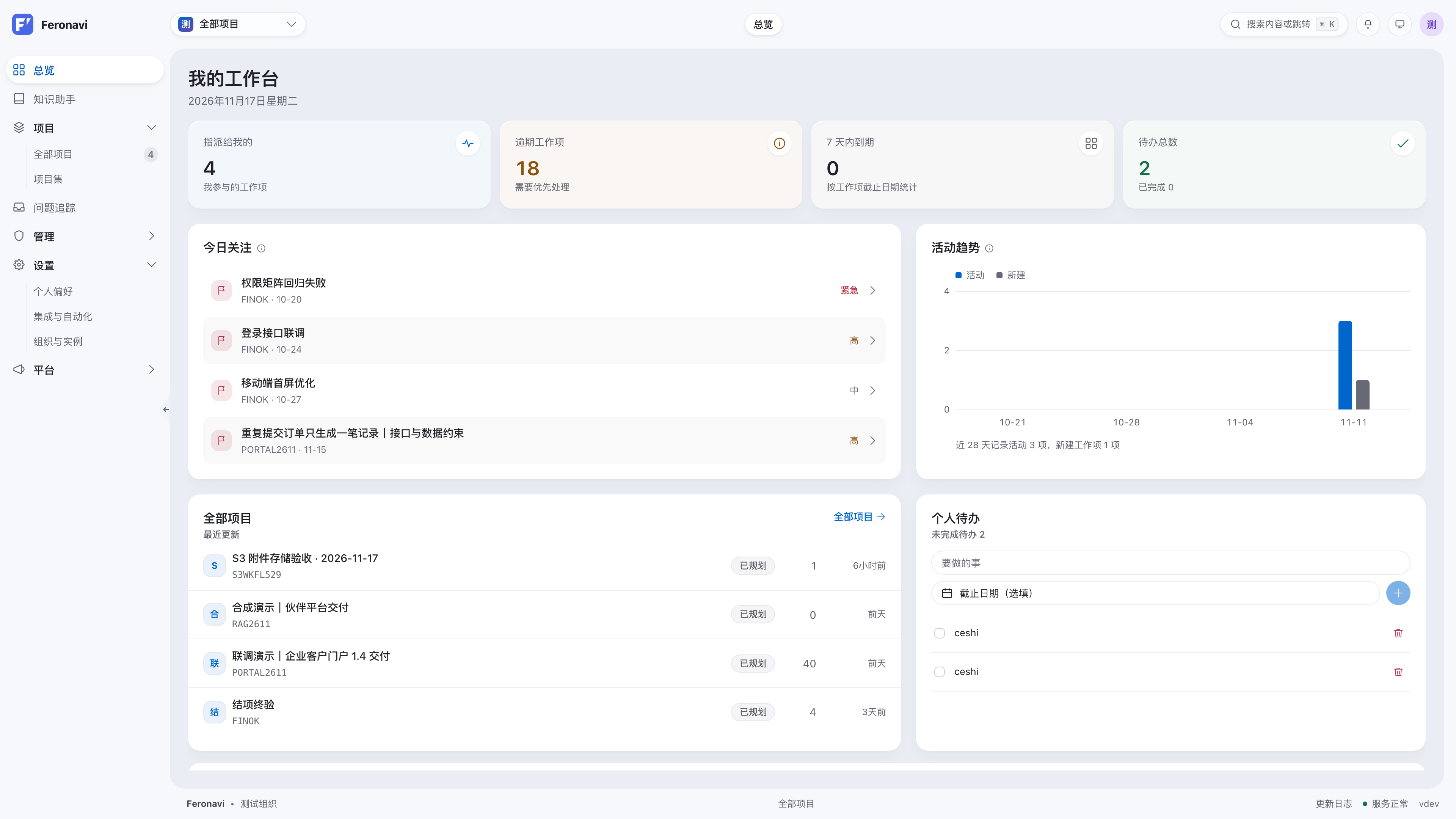
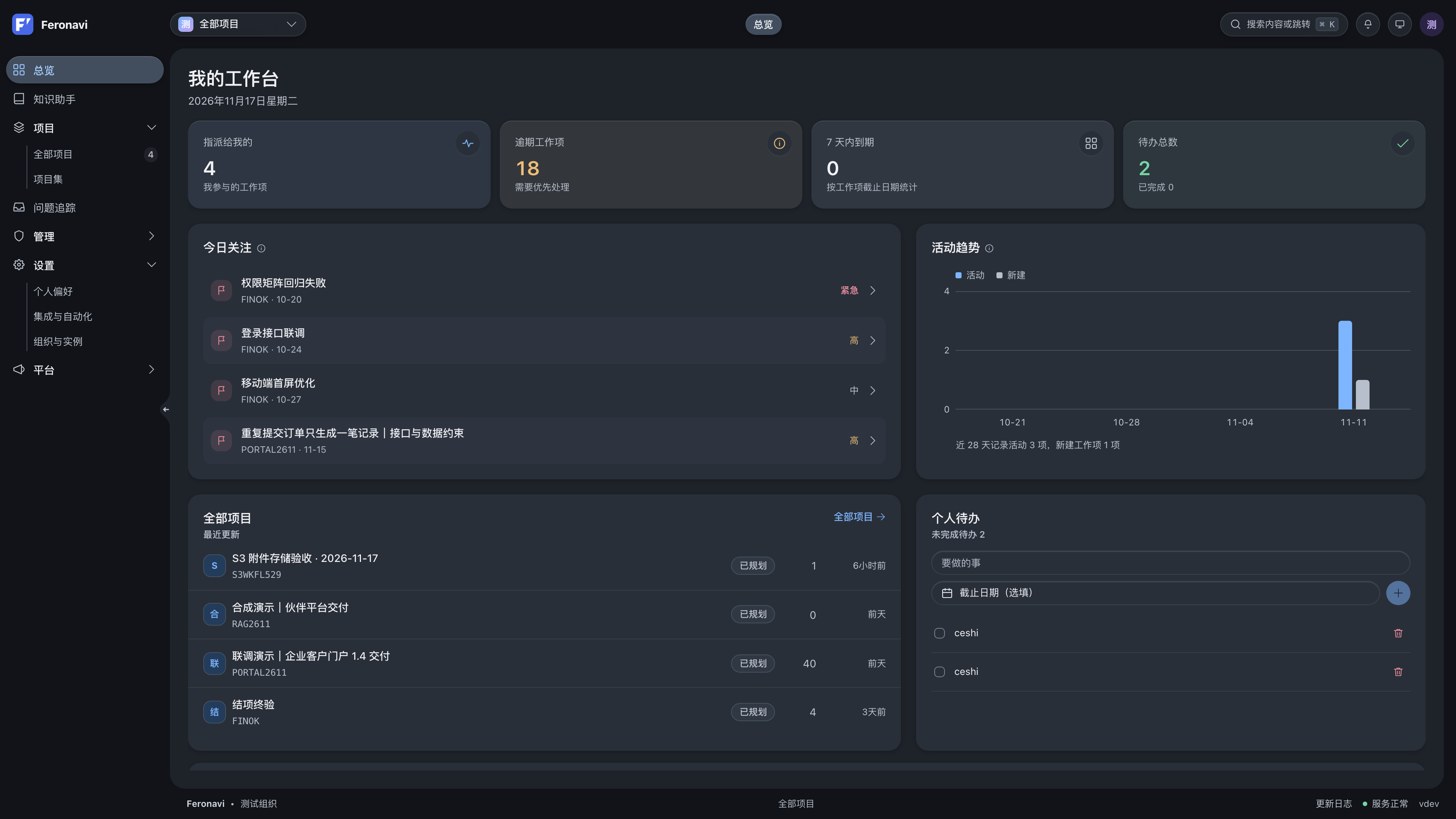
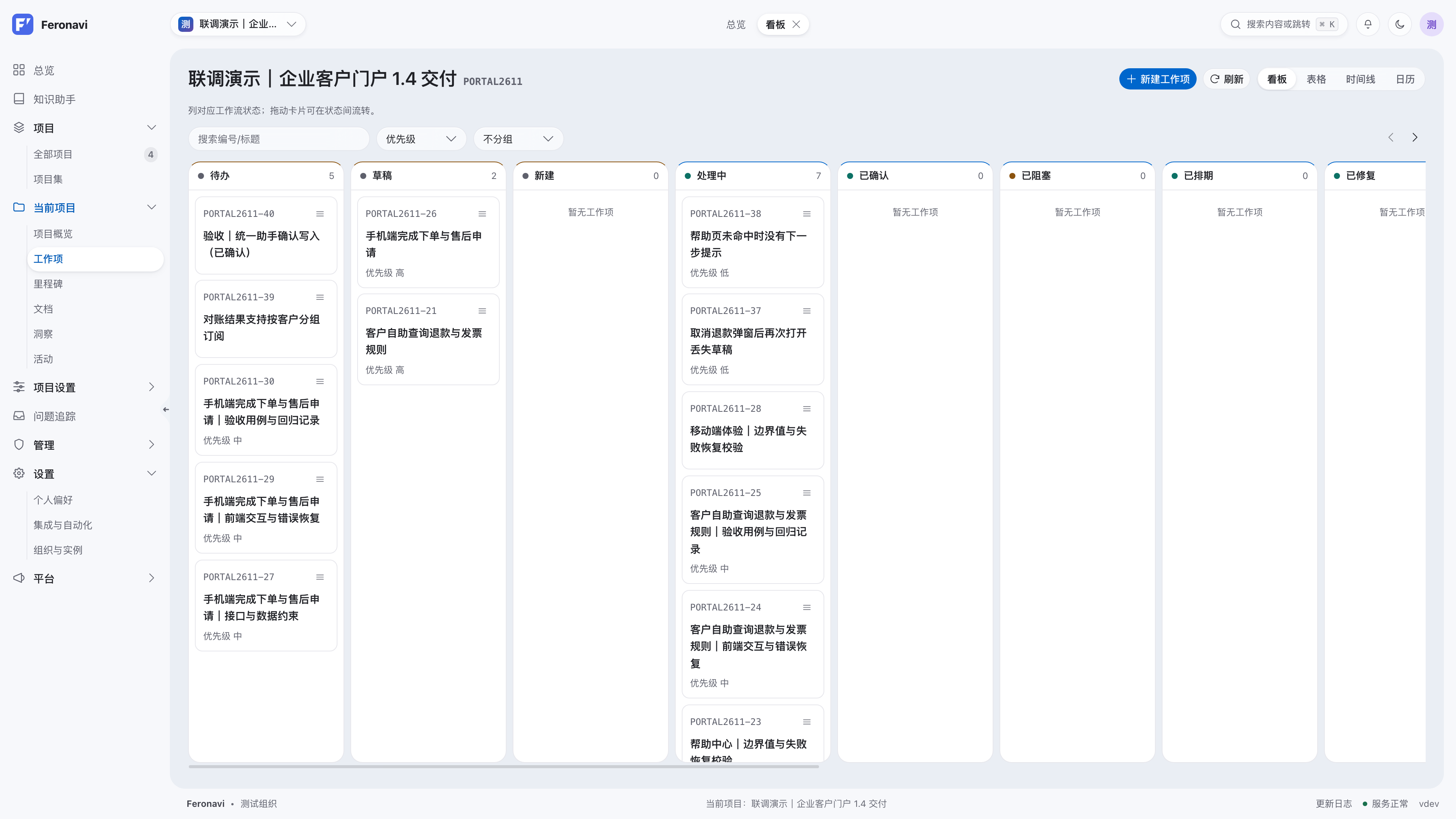
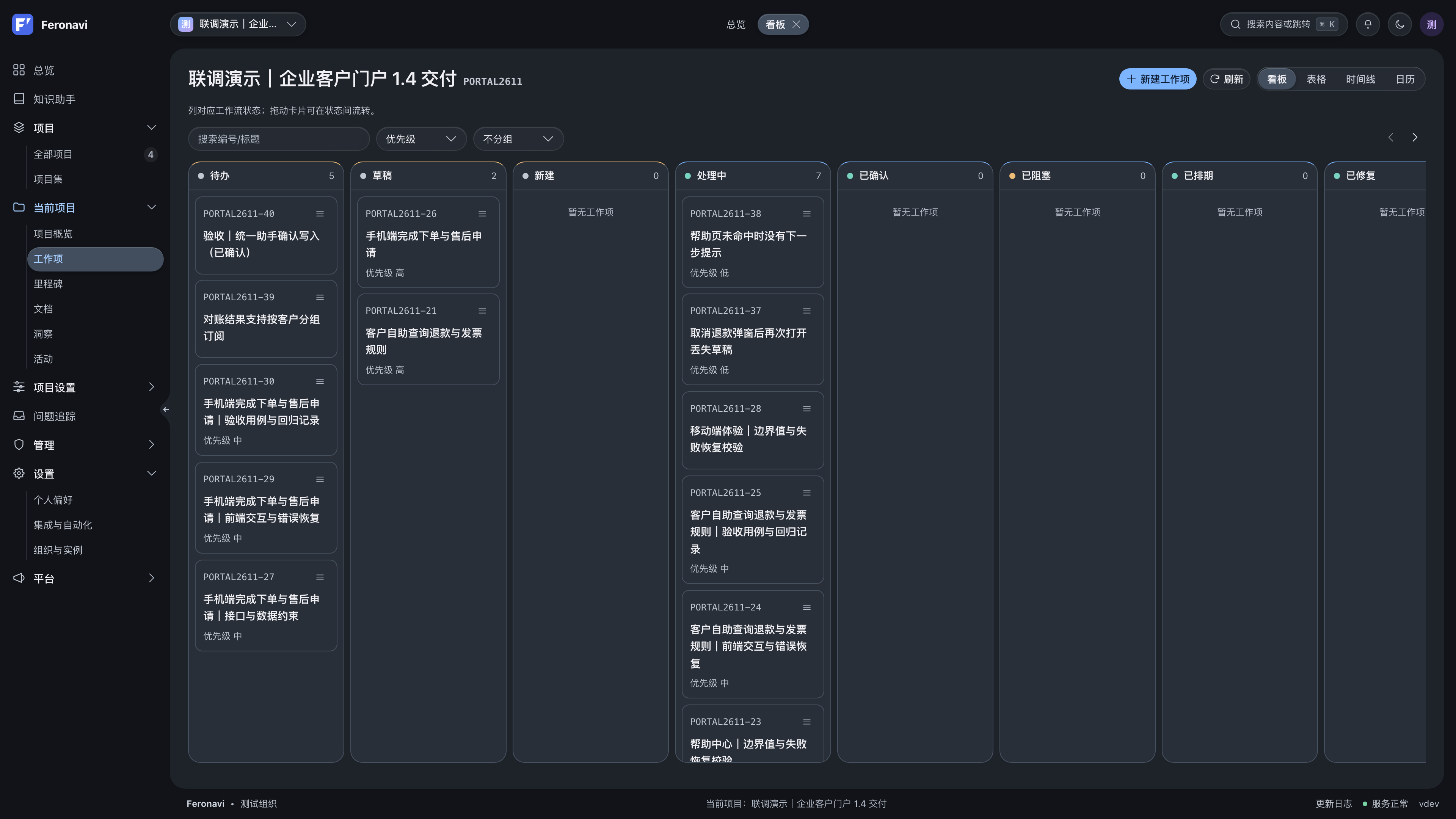
Your agents. Real project context.
Connect Codex, Claude, or Cursor through MCP to read project information, summarize iterations, and update tasks or documents with the permissions you grant.
Read the MCP setup guideChoose a work scenario
 Feronavi × AgentMCP
Review unfinished work in this iteration and identify release risks. After confirmation, update assignments and prepare a release checklist.
- Read project informationWaiting
- Propose changesWaiting
- Act after confirmationWaiting
- Check resultsWaiting
Read project information
This example reads project information before proposing changes.
- Review unfinished work and dependencies
- Propose assignment and status changes
- Prepare and verify a release checklist
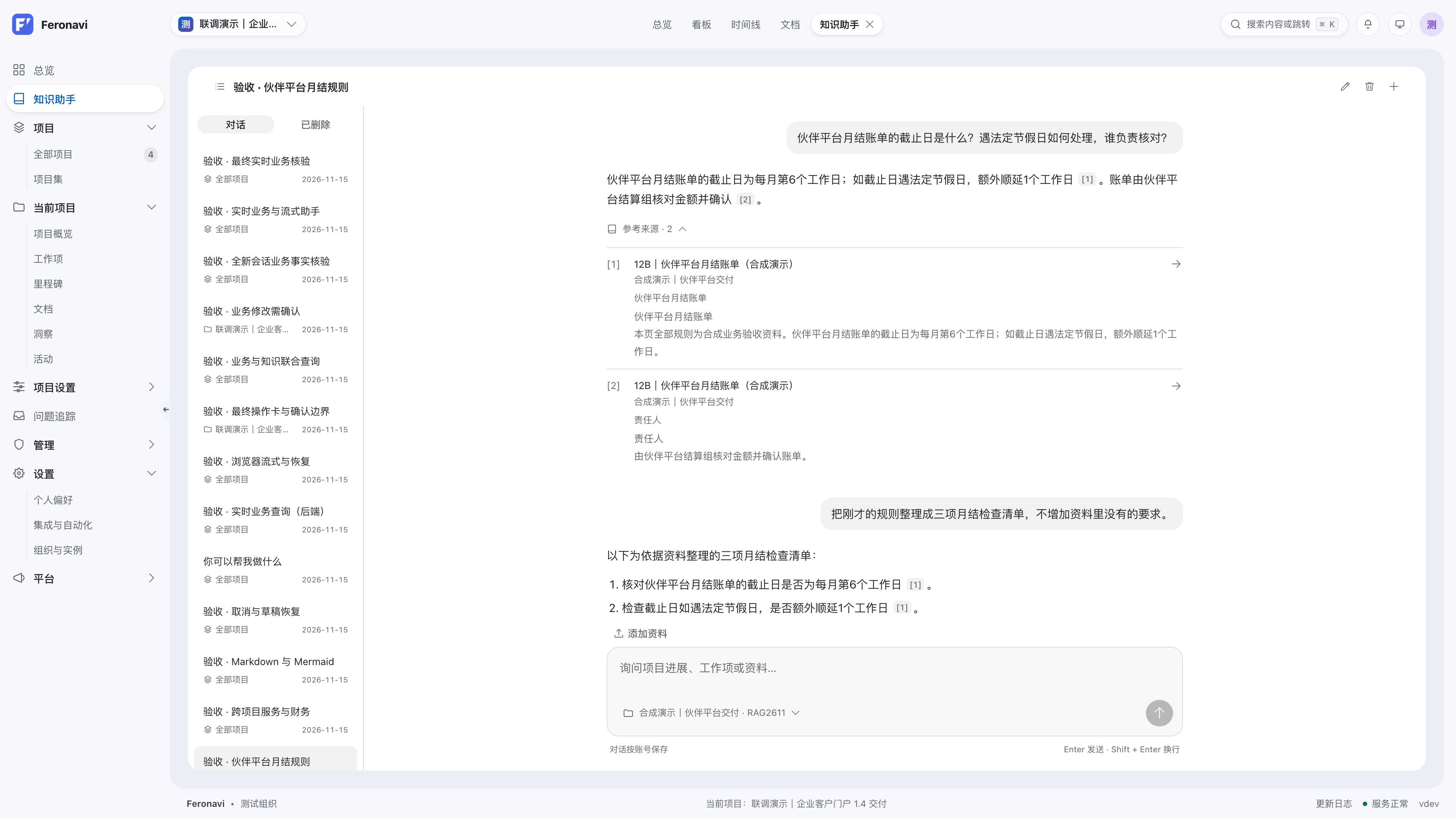
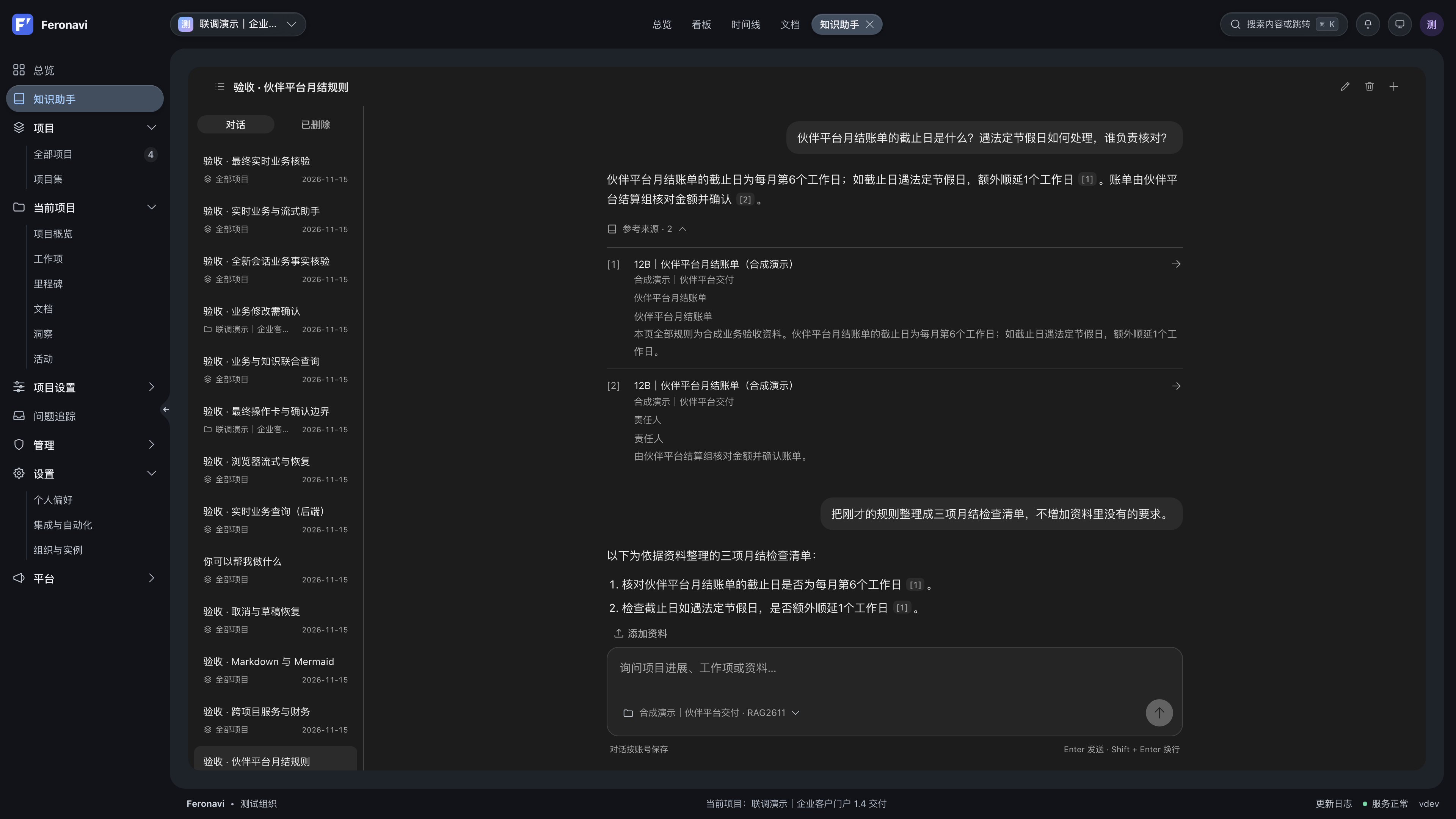
Get the answer. Go to the source.
Ask about a design or check project progress. The assistant searches what your account can access and cites the documents behind its answers.
Read the assistant guideDownload compose.yaml from the public repository, prepare a database password in your deployment directory, then pull the prebuilt images and start the services with Docker Compose. Open the setup wizard to create an organization and administrator.
Connect an MCP client to query projects, organize tasks, or update documents. Agents use the account and token permissions. Ask your client to request confirmation before changes.
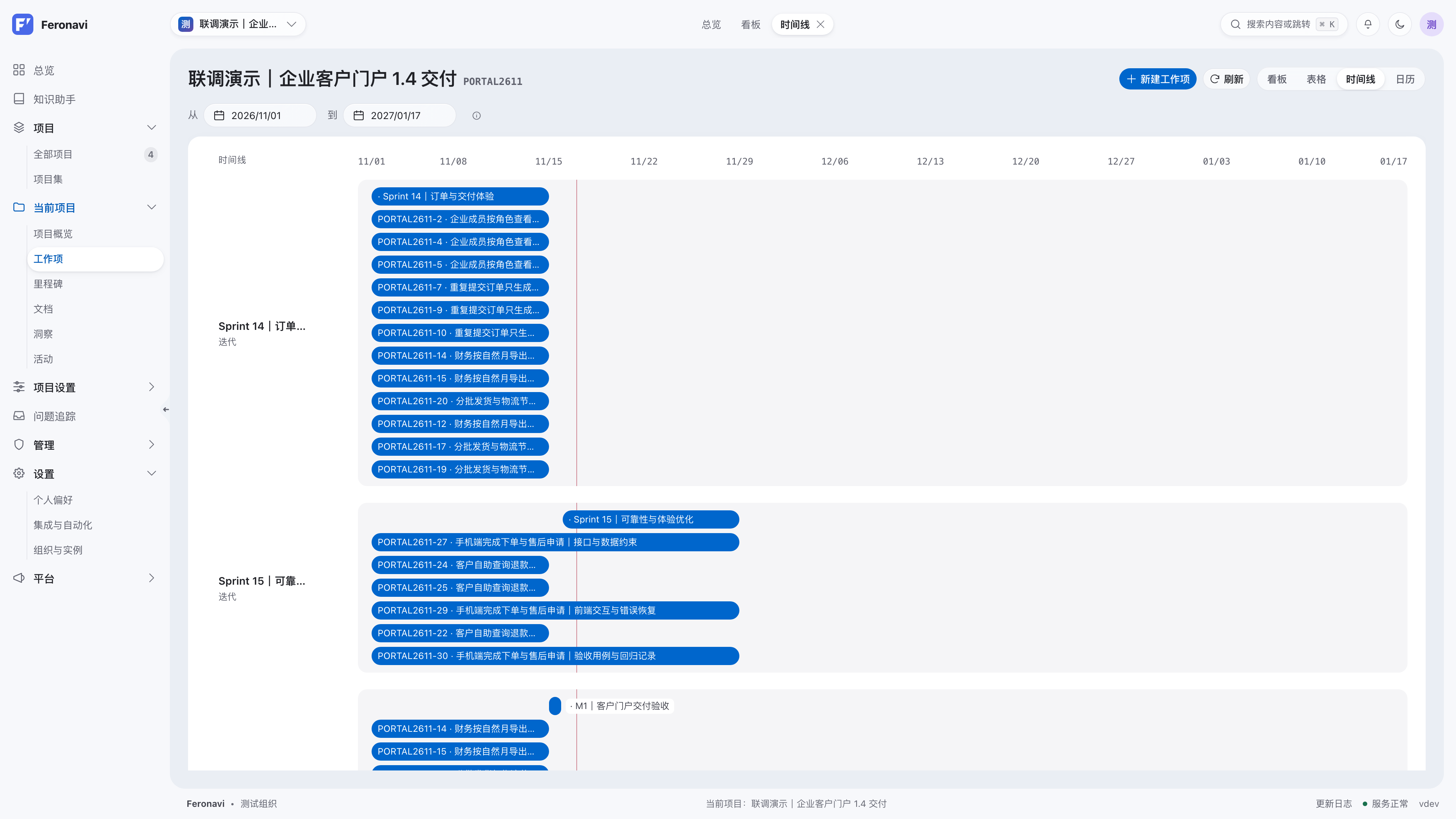
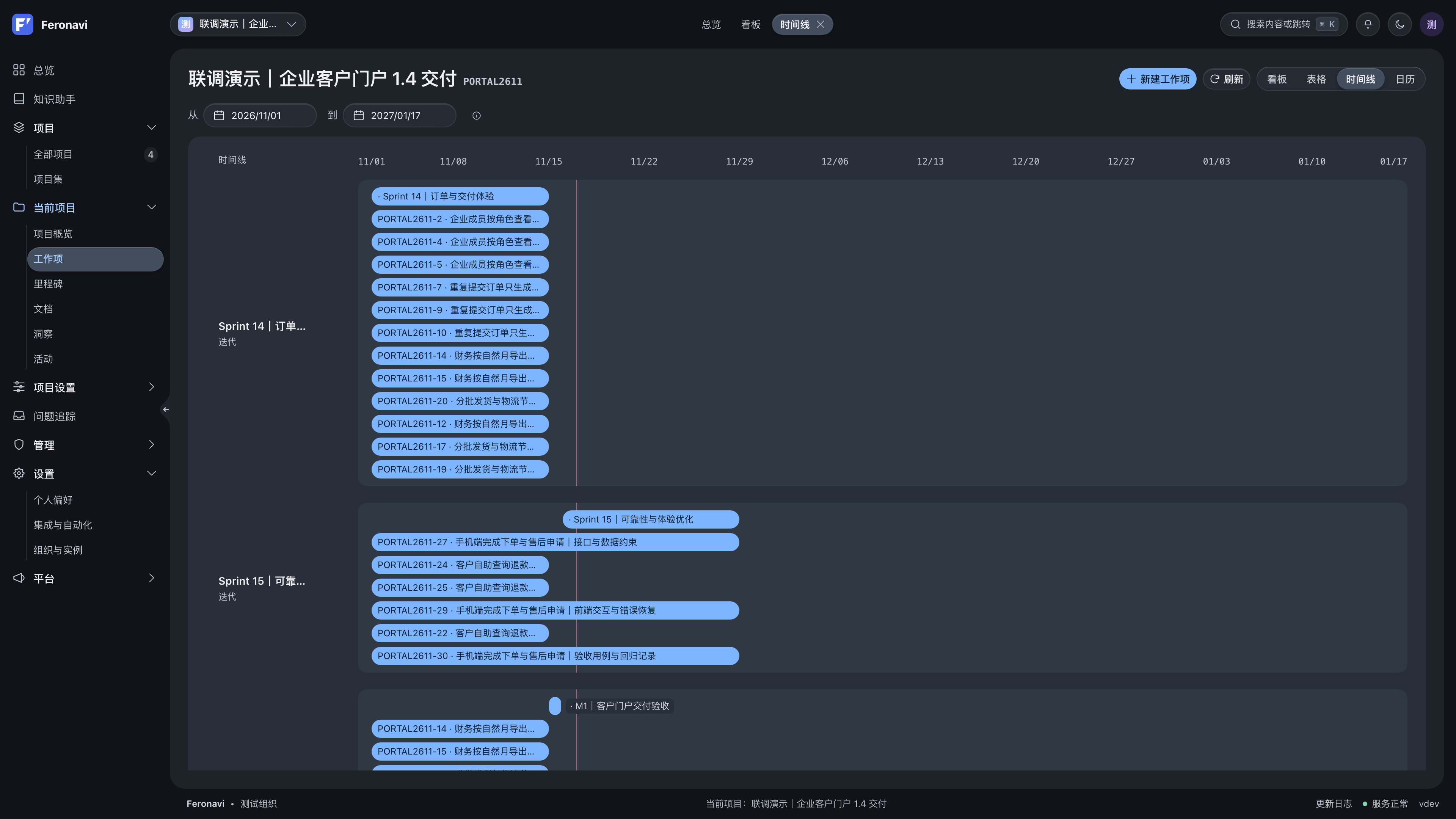
See every task. Plan the delivery.
View the same work items in boards, tables, calendars, or timelines. Keep assignees, due dates, and release plans connected.
Work and workflows
Track tasks through the process your team uses.
Planning and delivery
Keep schedules, releases, and progress connected.
Knowledge and access
Keep project knowledge accessible to the right people.
Run it on
your infrastructure.
Manage the database, files, and configuration. Connect your existing model services and identity provider.
- Open sourceAGPL-3.0
- Inspect the source and adapt it to your team.
- Self-hostedDocker Compose
- Manage the database, files, and configuration.
- Open interfacesMCP + OpenAPI
- Connect agents and existing tools.
docker compose pull
docker compose up -d --wait
Run from the directory containing compose.yaml. Set DB_PASSWORD in .env before first setup.
Get started
with Feronavi.
Start an instance with Docker Compose, create a project, and invite your team. Add models and agents when you need them.
Common questions
Who is Feronavi for?
Teams managing requirements, tasks, plans, and documents. Developers using agents can also query projects, summarize iterations, and update work items through MCP.
Do I have to use AI or agents?
No. Project management, documents, iterations, and workflows work on their own. Configure a model to use the assistant, or connect an external agent through MCP.
Which agent clients can connect?
MCP clients such as Codex, Claude Desktop, Cursor, and VS Code. Use Streamable HTTP or connect over stdio with the bridge.
Where does project data live?
The database, files, and configuration stay in your deployment. When you enable an external model, the relevant questions and retrieved content are sent to that provider according to the features in use.
Can I use my own model provider?
Yes. Administrators can configure chat and embedding services. Support depends on the provider and API compatibility.