

Create a project
Each project contains its work items, members, and documents. Choose a name and key that your team can recognize in search results, tasks, and discussions.
Start by adding a description, members, and workflow configuration. Visibility and available actions depend on organization roles, membership, and data scopes.
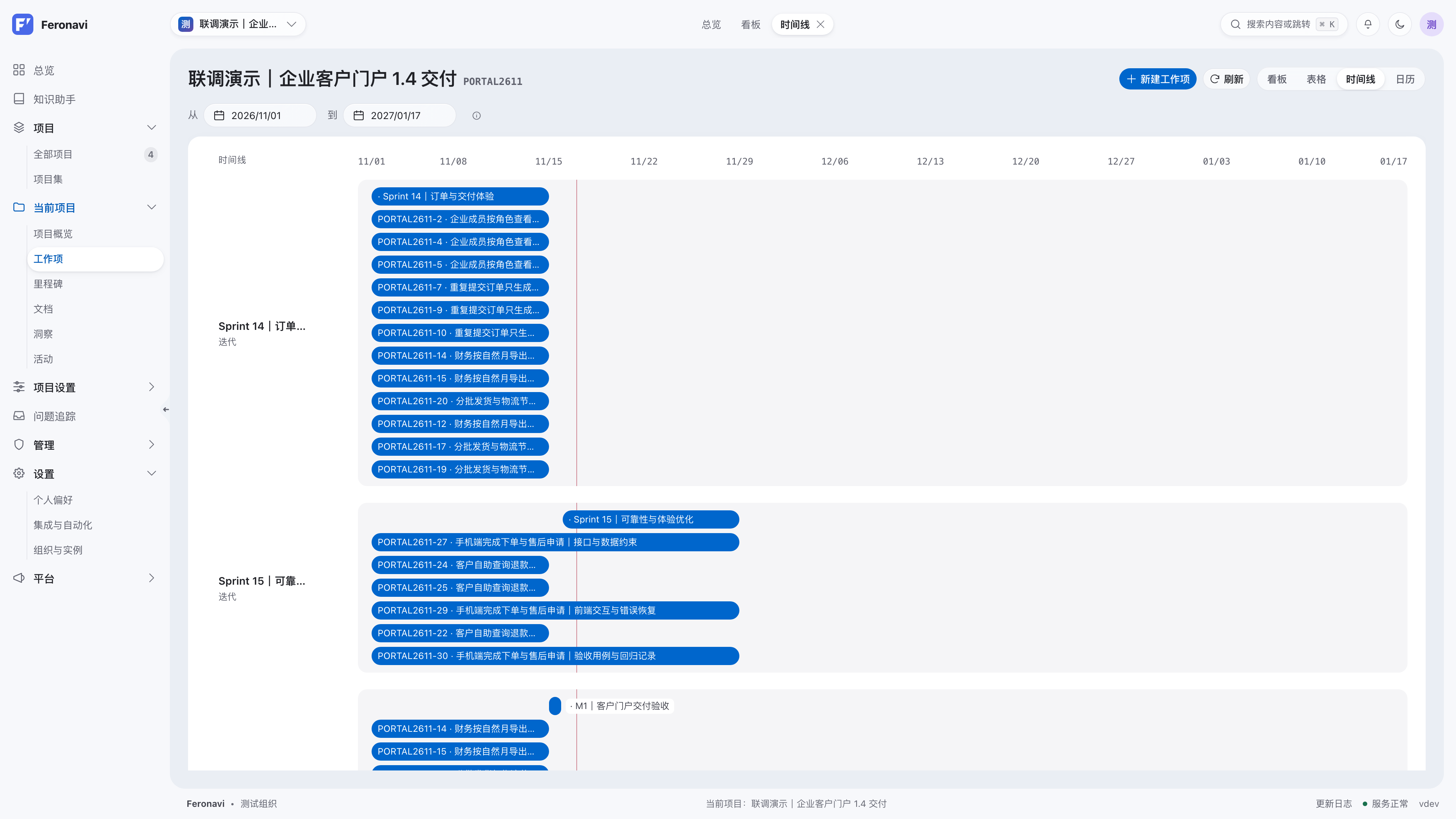
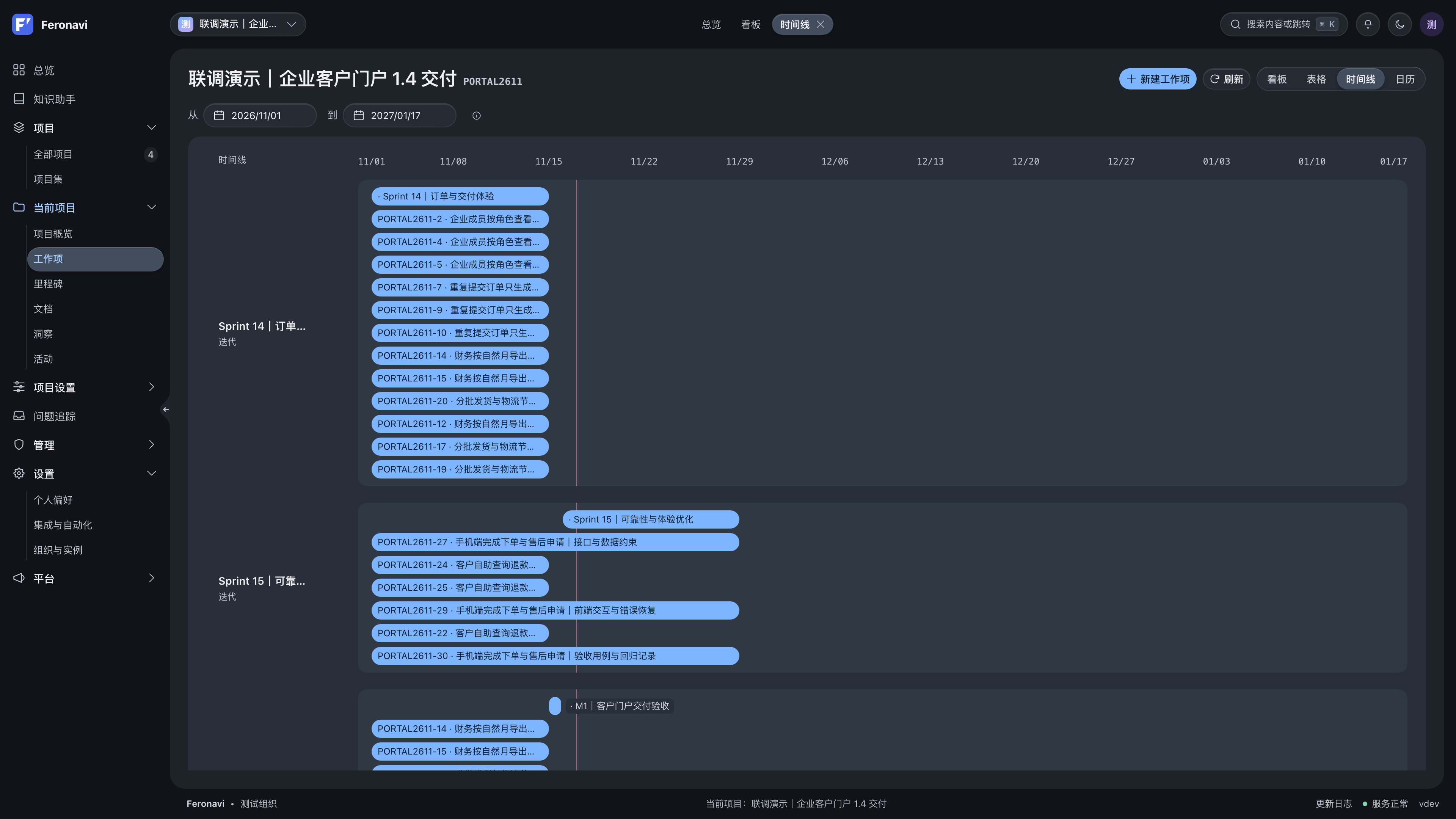
Plan milestones, iterations, and releases
- Milestones describe the outcomes expected at a stage.
- Iterations group work planned for a time period.
- Releases organize work being prepared for delivery or already shipped.
Associate work items with these plans instead of creating duplicates for the same goal. As delivery approaches, review unfinished work by assignee, status, and due date.
Switch project views
Use a board to understand flow, a table to review fields, and calendars or timelines to inspect scheduling. Views represent related business data; switching views does not require copying work items.
Coordinate multiple projects
Open projects from the all-projects view and use portfolios to coordinate related work. The personal workspace highlights assigned work, approaching deadlines, and personal tasks.
Cross-project views and knowledge retrieval include only the scope your account can access. Ask an administrator or project lead to review membership and roles when you need access.
Day-to-day project management
- Record goals and proposed solutions in project documentation.
- Break requirements into independently verifiable work items.
- Assign owners, iterations, releases, and due dates.
- Review blockers and scope changes, then update the plan.
- Capture outcomes and operational notes after delivery.
Continue with work items and views and project documentation.