

Organize documents
Group project documents by topic, such as product proposals, technical designs, delivery records, and user guides. Name documents around the questions readers need answered rather than dates alone.
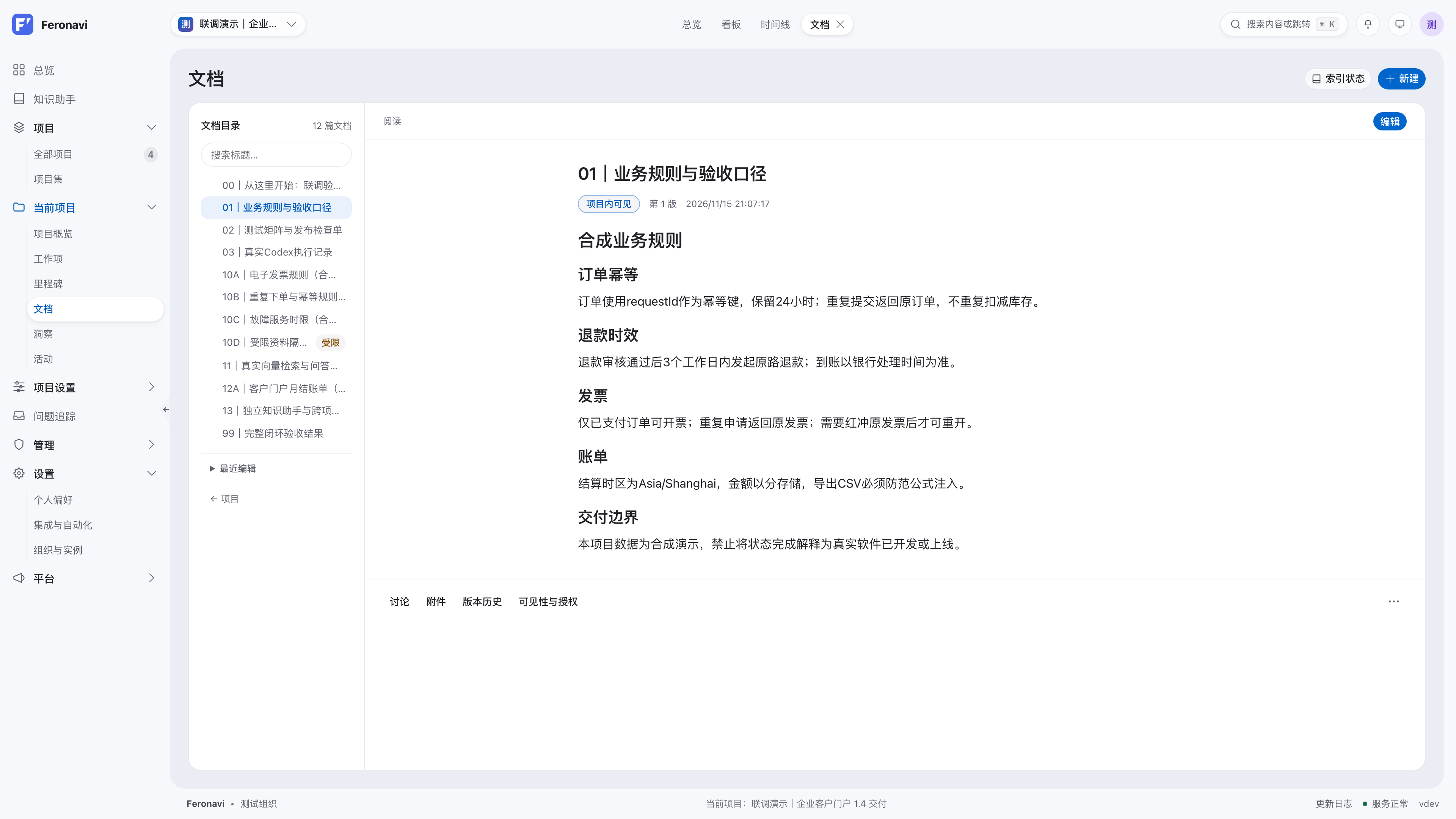
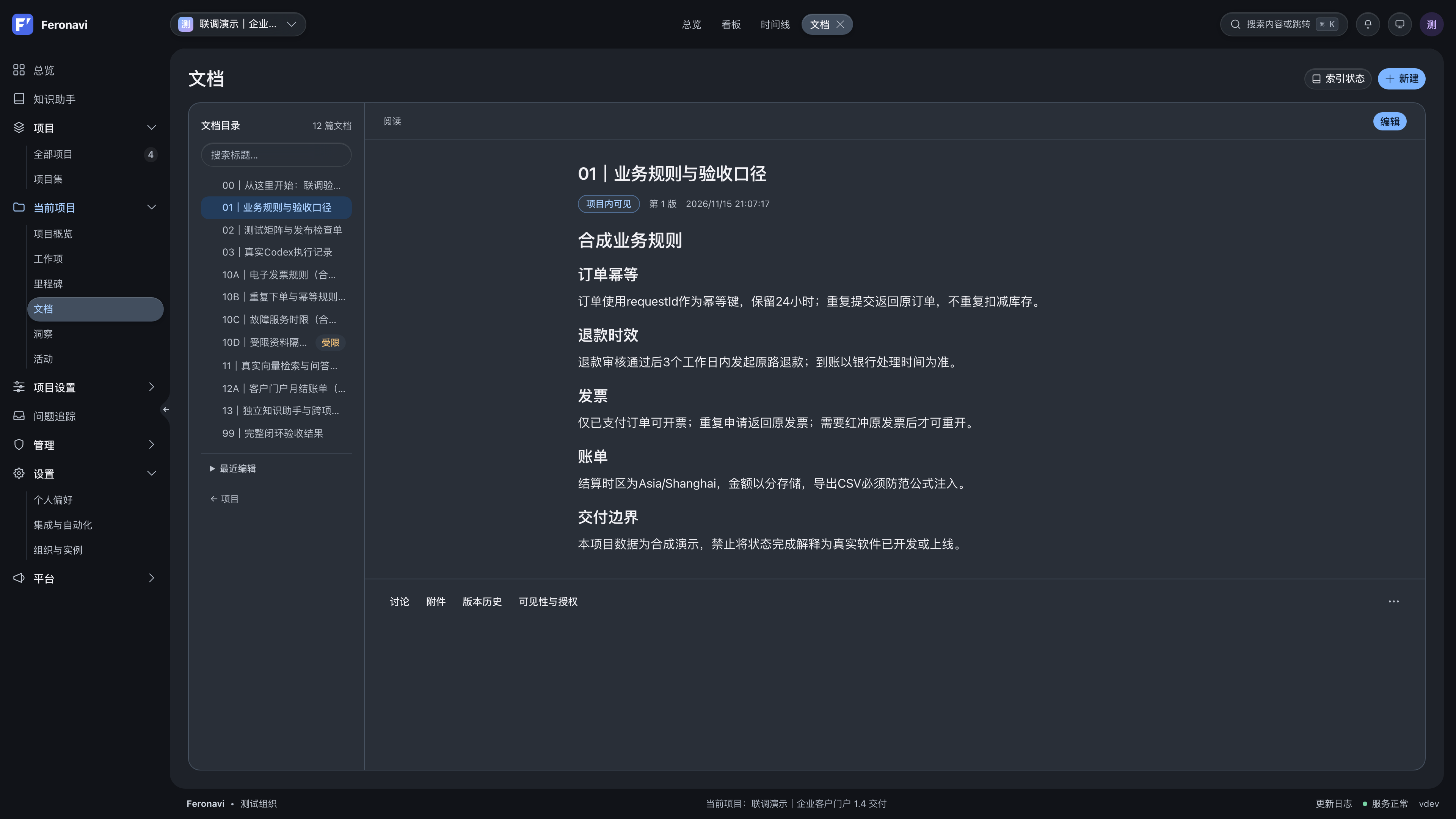
Documentation supports directories, version history, permissions, and rollback. Record the background, decisions, and results of a design for project members to consult.
Write a document
- Start with the audience, scope, and prerequisites.
- Give each topic a descriptive heading.
- State where commands run and which sample addresses or tokens need replacing.
- Explain reasons and tradeoffs in designs, and outcomes and verification in delivery records.
- Check related work items when updating stale content.
Versions and access
Use version history to understand changes and roll back when your permissions allow it. Project and document access rules apply to every reader; sharing a link does not grant access.
Manage credentials through dedicated configuration interfaces. Do not store real tokens in document bodies or chat questions.
Search with the assistant
The knowledge assistant searches project documentation your account can access and includes citations. Clear headings and complete context help both readers and retrieval locate useful passages.
If an answer lacks evidence, check the source document first. For recent updates, check knowledge retrieval and model configuration. See the knowledge assistant guide.