

Configure models and retrieval
An administrator configures compatible model and embedding providers in the web administration interface. The chat model generates answers and plans business operations; the embedding model supports semantic retrieval. Availability depends on your provider, credentials, and network.
Open /assistant in your product instance. Conversations can cover accessible projects or stay focused on one fixed project.
Ask a question
State the project scope, goal, and output you need. For example:
Use the design documents and current iteration to identify release risks. List related work items and cite your sources.
The assistant queries documents and live business data. Retrieval respects account, project, document, and token permissions. Asking about a restricted project does not grant access.
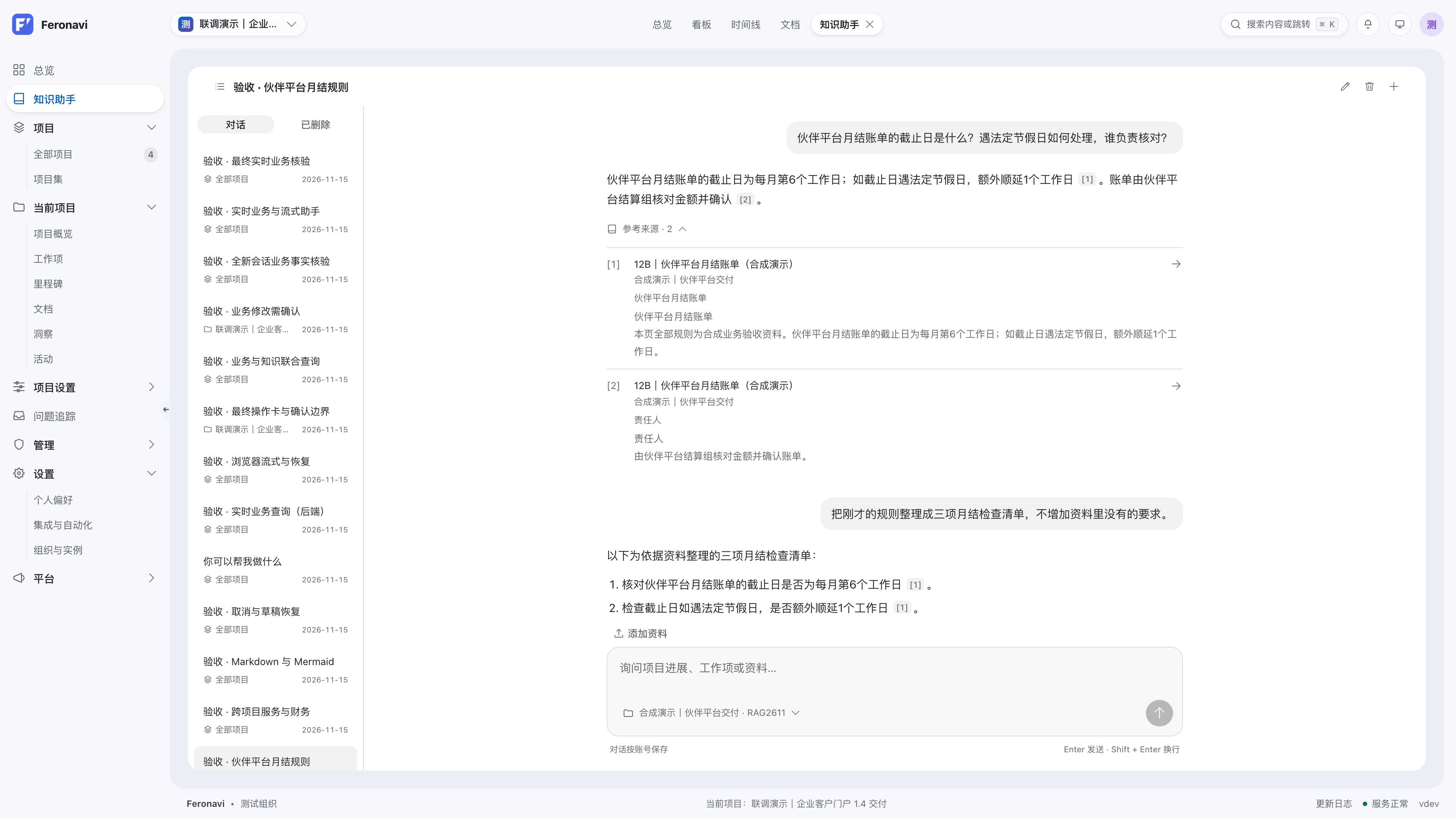
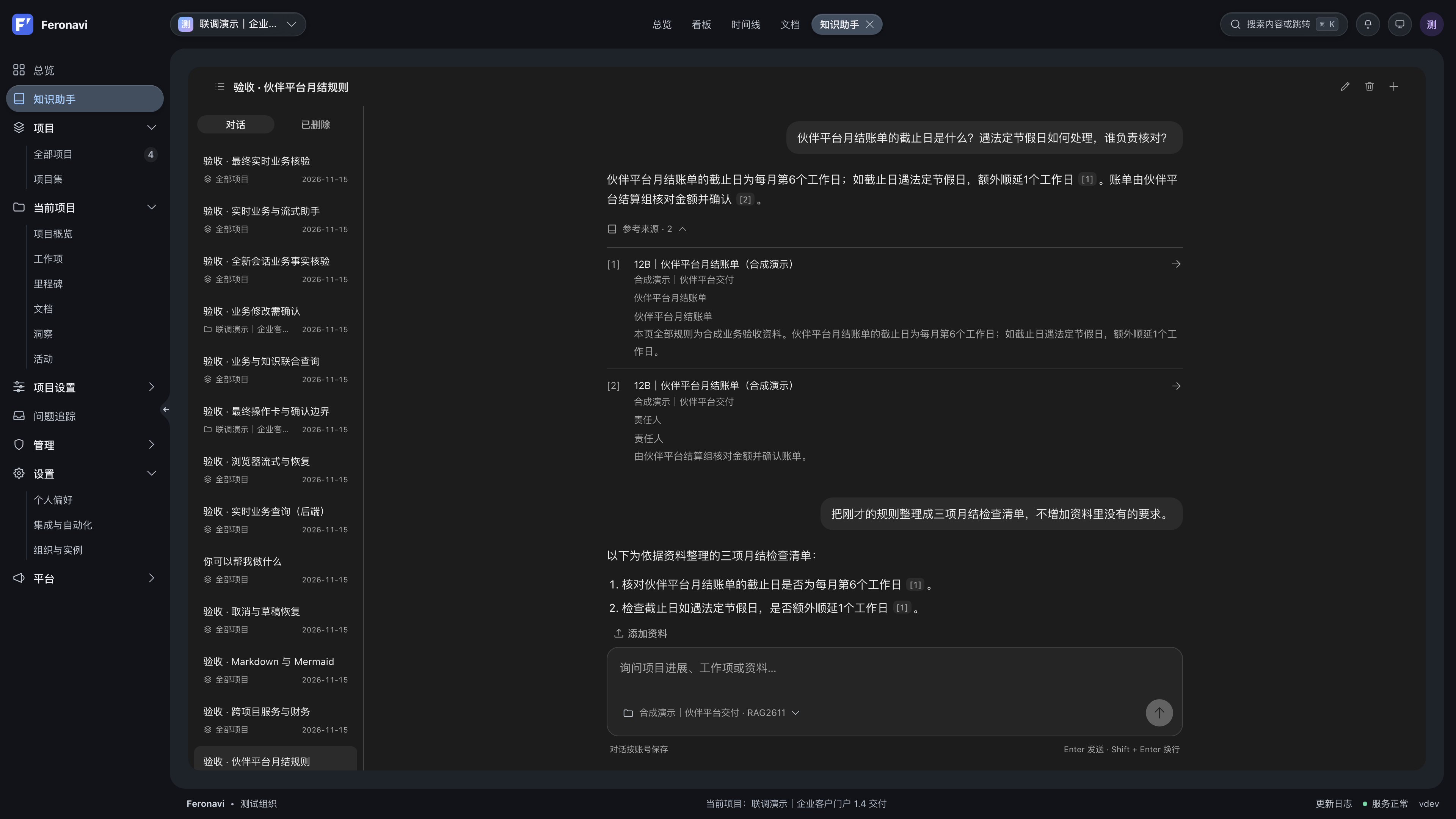
Read answers and sources
Answers support streaming, Markdown, and Mermaid diagrams. Citations link to original project documents. Before acting on an important conclusion, check the source’s scope and current status.
The assistant explains when retrieval finds nothing or a model is unavailable. Keyword retrieval can be used when vector retrieval is unavailable; the API reports the mode and related information.
Confirm business changes
Queries and analysis can run directly. Changes produce a proposal first. Check the target, old and new values, and affected scope before confirming or rejecting.
Actions expire and are checked again against current permissions and target versions. If a conflict or permission change occurs, ask again to create a new proposal.
Manage conversations
Conversations are stored on the server for your account. Switch, rename, soft-delete, and restore them; saved content remains available after refresh or sign-in. A conversation’s project scope is fixed at creation, so start a new one when changing scope.
Canceling generation stops further processing but does not delete the saved question. If you lose access to an original resource, related answers are hidden according to your current permissions.
Connect external tools
MCP exposes the same retrieval capabilities through rag.projects, rag.search, and rag.chat. The REST OpenAPI 3.1 description is available at /api/v1/openapi.json on your instance.
Read-only tokens can retrieve and search. Sending, renaming, and deleting persistent conversations requires the corresponding write access level. See MCP integration for external agents.